Business card QR codes people actually scan
Your card has a few square centimetres to make an impression. Use them for a code that is your portrait or logo — linking to your site, calendar or LinkedIn, and editable after printing.
Create your business card QR code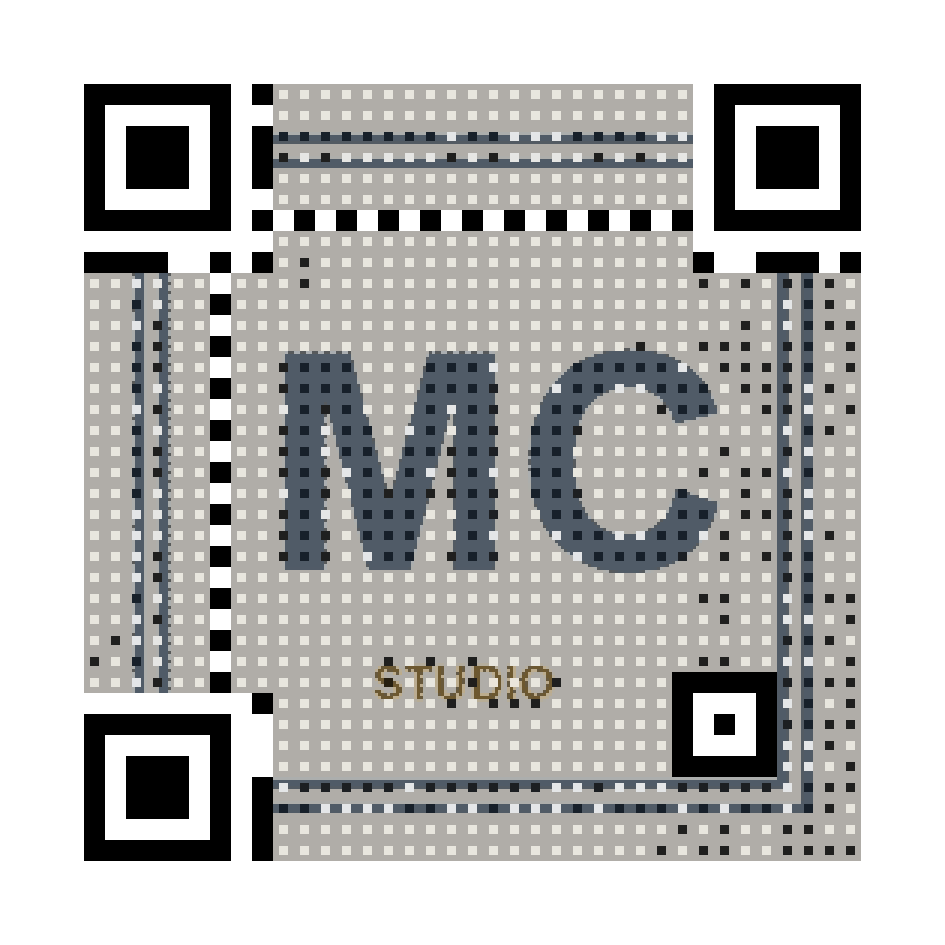
Memorable, not generic
A halftone portrait QR is a conversation starter. The image is woven into the code data itself — it is not a logo pasted on top.
Survives job changes
The destination is dynamic: point it to your new company page, calendar link or portfolio without reprinting cards.
Sized for print
PDF export is dimensioned in millimetres with print-calibrated contrast. 4×4 cm on a standard card scans reliably.
How it works
- Upload your portrait or logo and crop it square.
- Link it to your website, calendar, vCard page or LinkedIn.
- Choose compact detail (v5) for the smallest reliable print size.
- Download the PDF and place it on your card design.
Frequently asked questions
- What is the minimum print size?
- About 4×4 cm at 300 dpi for the halftone style. Choose the “Compact” detail level for business cards — fewer modules scan better at small sizes.
- Can I link it to a vCard?
- Point the QR at any URL — including a hosted vCard file or a contact page. Because the destination is editable, you can upgrade it later without reprinting.
- Does it work with a logo instead of a photo?
- Yes. High-contrast logos work very well, especially in pixel-art mode where every module becomes a pixel of your logo.
Free live preview — pay 5 € once, only when you love the result. Verified with a real decoder.