Menu QR codes that look as good as your food
Your table QR can be a photo of your signature dish or your logo — encoded into a fully scannable code. Guests scan it, your menu opens, and you can change that link without reprinting a single card.
Create your menu QR code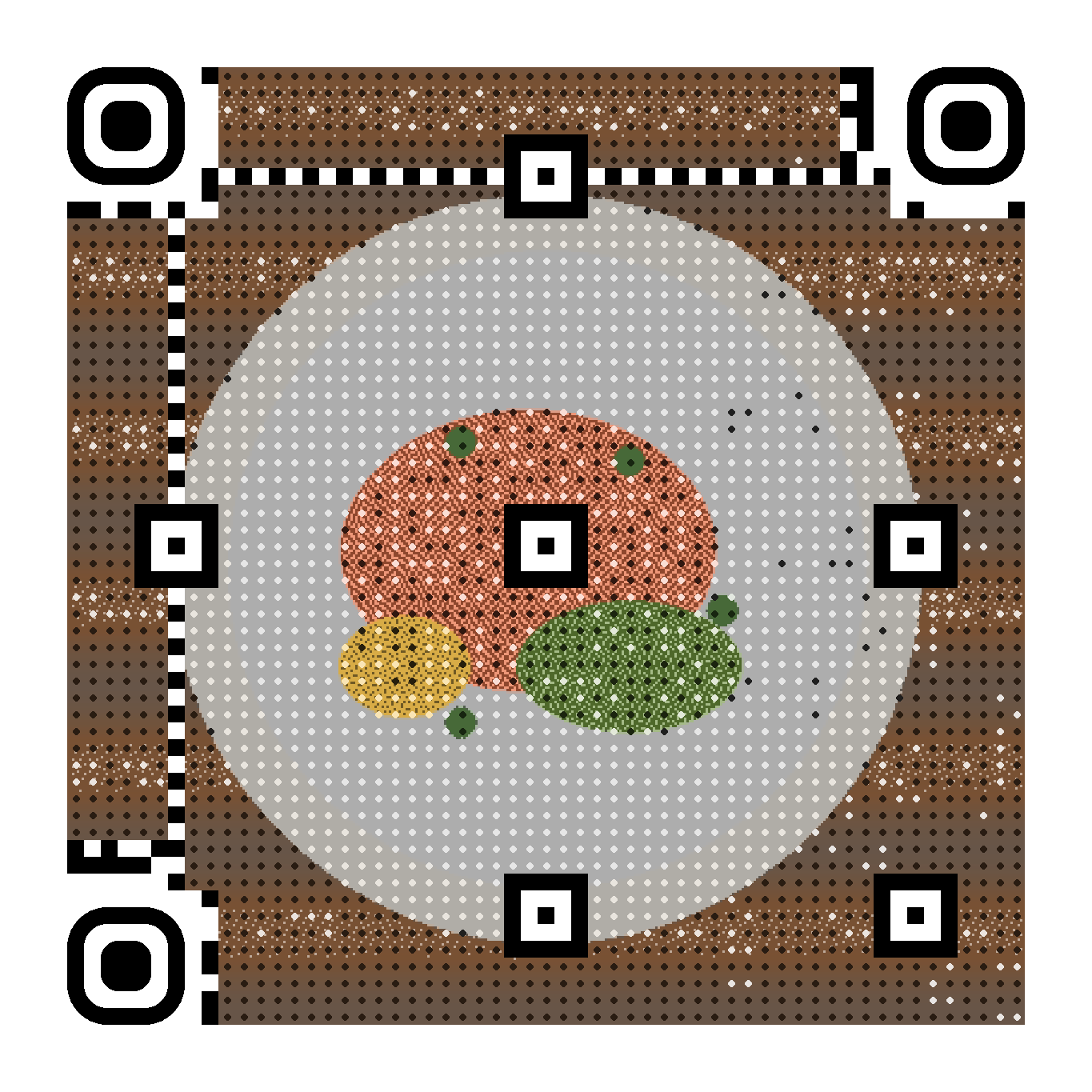
Reprint nothing
New menu, new PDF, seasonal card? Update the destination in one click — the printed QR on your tables keeps working.
On-brand tables
Generate the code from a dish photo or your logo, match your brand colour on the corner markers, choose print-calibrated rendering.
Know your traffic
Scan statistics per day and per device show when guests actually open the menu — useful for staffing and promotions.
How it works
- Upload a photo of your signature dish or your logo.
- Paste the link to your menu (PDF, page, or ordering system).
- Choose the print profile and download the PDF sized for your table stands.
- Swap the destination whenever the menu changes — same printed code.
Frequently asked questions
- Can I update the menu without reprinting the QR codes?
- Yes — that is the point of dynamic codes. The printed QR encodes a short sqr.art link; you change where it redirects at any time from your dashboard.
- Does it work printed small on table stands?
- We recommend at least 4×4 cm at 300 dpi. The print rendering profile uses higher contrast dots calibrated for paper, and every file is decode-verified before download.
- Can I schedule a lunch menu and a dinner menu?
- Yes. Pro accounts can add schedule rules: point the same QR to the lunch menu from 11:00 to 15:00 and the dinner menu after, in your timezone.
Free live preview — pay 5 € once, only when you love the result. Verified with a real decoder.