Wedding QR codes made from your own photo
Link your guests to the photo album, gift registry or RSVP page — with a code that is actually your engagement picture, not a black-and-white square stuck on your stationery.
Create your wedding QR code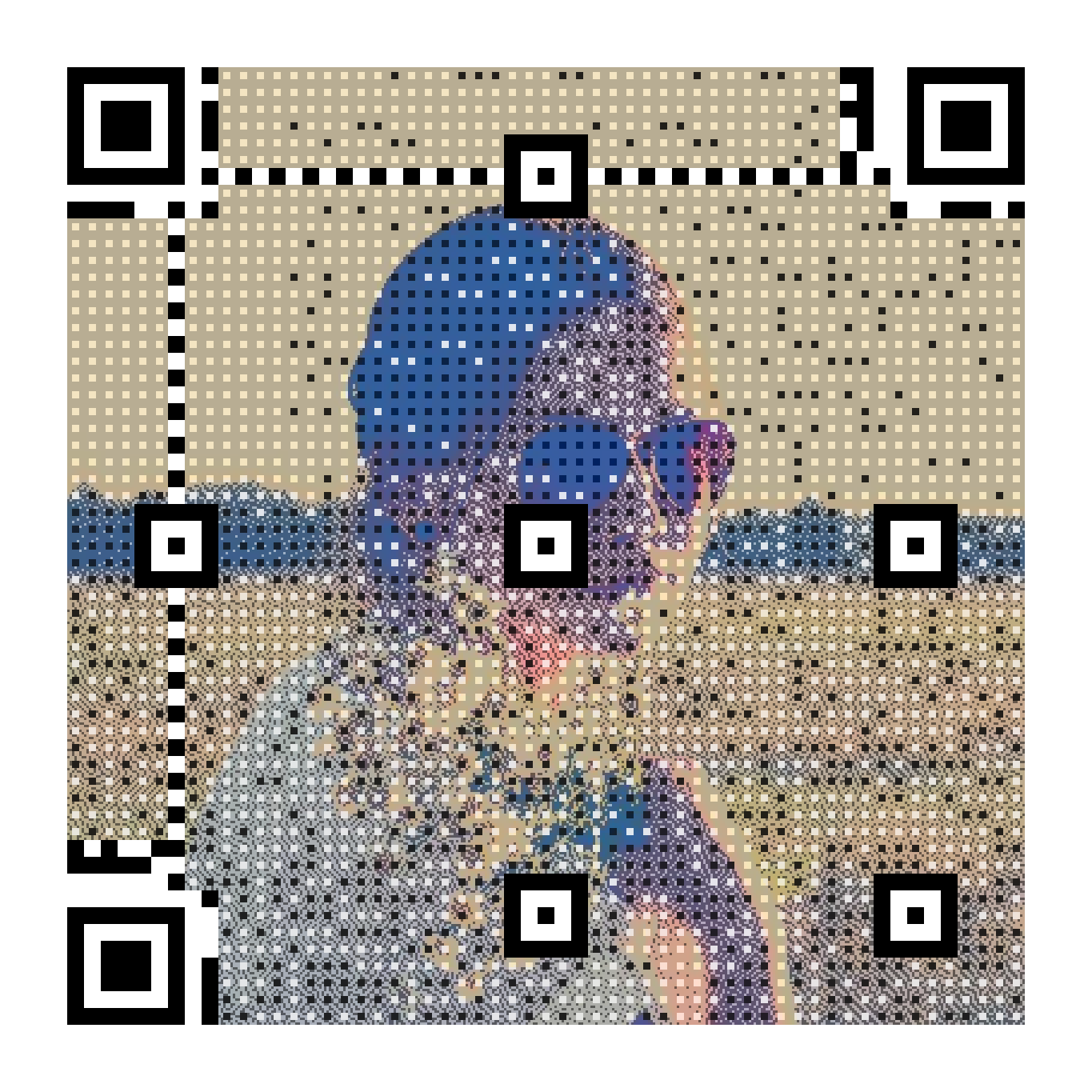
Matches your stationery
The QR is generated from your photo with soft halftone dots — it looks like a designed element, not an afterthought.
Change the link after printing
Invitations printed months ahead? The destination is editable anytime: point it to the RSVP form now, the photo album after the day.
Print-ready files
Download PNG for screens, SVG and PDF sized in millimetres for the print shop. A 4×4 cm print scans reliably.
How it works
- Upload your engagement or couple photo and crop the part you love.
- Paste the link to your RSVP page, album or wedding website.
- Pick a style — halftone or pixel art — and preview it live.
- Download and send to your stationery printer; update the destination whenever you need.
Frequently asked questions
- Will it really scan from a printed invitation?
- Yes. Every code is verified with a real decoder before you can download it, and we recommend at least 4×4 cm at 300 dpi. Always test one printed sample with your phone before the full run.
- Can I change where the QR points after the invitations are printed?
- Yes — your QR is dynamic: the destination stays editable forever (5 €, one-time). Before the wedding it can point to the RSVP form, after to the shared photo album.
- What picture works best?
- A well-lit photo with good contrast and a clear subject. Portraits and couple shots work beautifully; use the crop and “important areas” brush to keep faces sharp.
Free live preview — pay 5 € once, only when you love the result. Verified with a real decoder.